
Written By Bryan Goldman
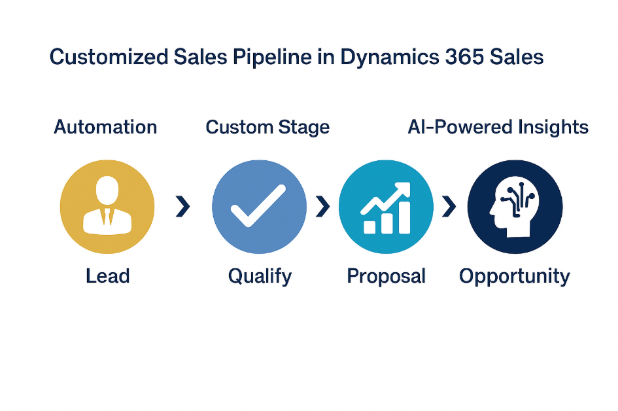
The default pipeline stages in Dynamics 365 Sales work for some businesses. However, many organizations require more detailed steps to reflect qualification, proposal, review, and approval processes.
When pipeline stages mirror your actual workflow:
- Sales reps understand what actions are required
- Opportunities are easier to track
- Leadership gains more accurate forecasts
- Bottlenecks become visible earlier
For example, a professional services firm with a multi-step proposal and legal review process may need stages like:
- Proposal Drafted
- Client Review
- Legal Approval
Adding these stages through Business Process Flow adjustments improves reporting accuracy and deal management.
How to Configure Business Process Flows
Dynamics 365 Sales makes customization straightforward through the Business Process Flow (BPF) designer.
You can:
- Add, remove, or rename stages
- Define required fields before advancing
- Apply conditional logic between stages
- Create different flows for different sales types
Many organizations benefit from building multiple pipelines. For example, one pipeline may support new business while another handles renewals or upsells.
This structured flexibility ensures consistency without restricting how teams operate.
Automating Your Pipeline With Power Automate
Another key advantage of Dynamics 365 Sales pipeline customization is automation.
Using Power Automate, you can trigger actions when a deal moves between stages. For example:
- Notify finance when an opportunity reaches Negotiation
- Automatically generate a quote
- Create follow-up tasks
- Send internal approval requests
Automation reduces manual work and ensures key stakeholders are involved at the right moment.
Enhancing Pipeline Performance With Copilot
The addition of Copilot in Dynamics 365 Sales increases the value of a well-defined pipeline.
Copilot can:
- Suggest next steps based on opportunity stage
- Summarize recent customer interactions
- Highlight risks within active deals
- Help reps prepare for meetings
When your pipeline stages are clearly defined, AI-driven insights become more accurate and actionable.
A structured process strengthens both human and AI performance.
Aligning CRM With Your Sales Strategy
Dynamics 365 Sales pipeline customization is not just a system adjustment. It is a strategic decision.
When your CRM reflects your real sales methodology:
- Forecasting improves
- Sales cycles become more predictable
- Teams follow consistent best practices
- Leadership gains cleaner reporting
Your CRM should support your sales strategy, not dictate it.
Best Practices for Pipeline Customization
To get the most value from customization:
- Map your sales process before making system changes
- Involve sales leadership in stage definitions
- Keep stages clear and outcome-based
- Avoid unnecessary complexity
- Test updates in a sandbox environment first
A well-designed pipeline balances structure and flexibility.
Final Thoughts
Dynamics 365 Sales pipeline customization allows organizations to create a system that matches how they truly sell. When your stages reflect real activity, your team gains clarity, automation improves, and forecasts become more reliable.
If your current pipeline does not accurately represent your sales journey, it may be time to redesign it. With the right configuration, Dynamics 365 Sales provides all the tools needed to build a smarter, more effective pipeline.